05. Python-Programming(Introduction)(Classifying strings, Tkinter Basic)
05. Python-Programming(Introduction)(Classifying strings, Tkinter Basic)
[toc]
파이썬(입문) 예제풀이
문자열을 입력받고, 영어 대문자, 소문자, 한글, 숫자, 특수문자로 구분하기
# 코드 a = input("문자열을 입력하세요. ") sUpper = "대문자 : " sLower = "소문자 : " sNum = "숫자 : " sKor = "한글 : " sSpc = "특수문자 : " for i in range(0, len(a)): if (ord(a[i]) >= 65 and ord(a[i]) <= 90): sUpper += a[i] elif (ord(a[i]) >= 97 and ord(a[i]) <= 122): sLower += a[i] elif (ord(a[i]) >= 48 and ord(a[i]) <= 57): sNum += a[i] elif (ord(a[i]) >= 33 and ord(a[i]) <= 47) or (ord(a[i]) >= 58 and ord(a[i]) <= 64): sSpc += a[i] elif (ord(a[i]) >= 91 and ord(a[i]) <= 96) or (ord(a[i]) >= 123 and ord(a[i]) <= 126): sSpc += a[i] else: sKor += a[i] print(sUpper) print(sLower) print(sNum) print(sKor) print(sSpc) # 결과 문자열을 입력하세요. 히히히히히힣 fjkakdfhalsdflaJKHLJKHKLH&()**)&(7890 대문자 : JKHLJKHKLH 소문자 : fjkakdfhalsdfla 숫자 : 7890 한글 : 히히히히히힣 특수문자 : &()**)&( 이미지를 불러와 확대, 축소하는 프로그램
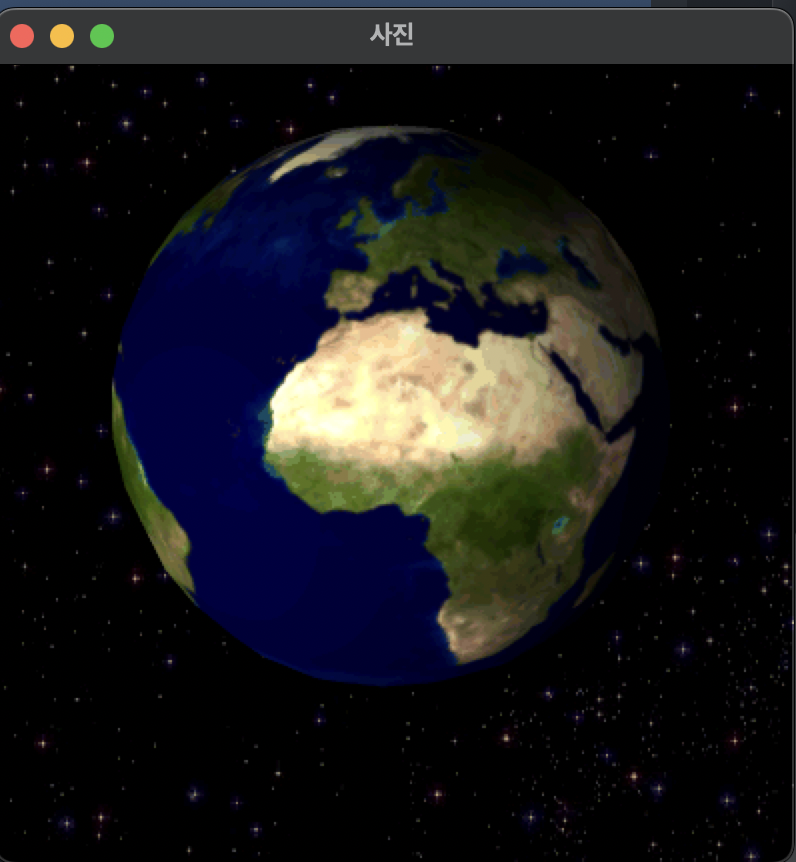
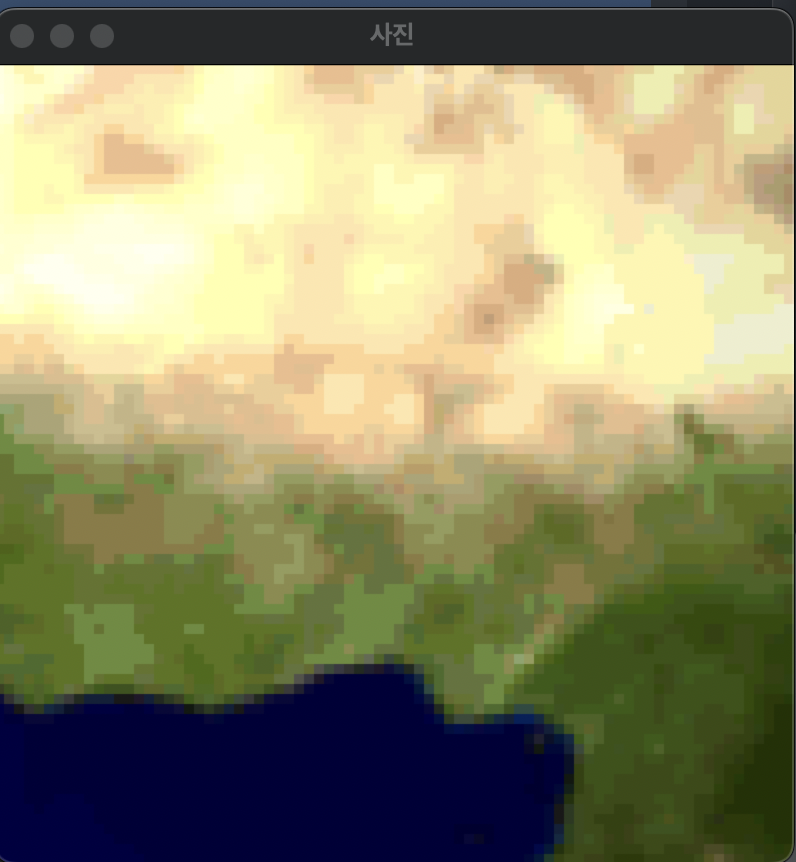
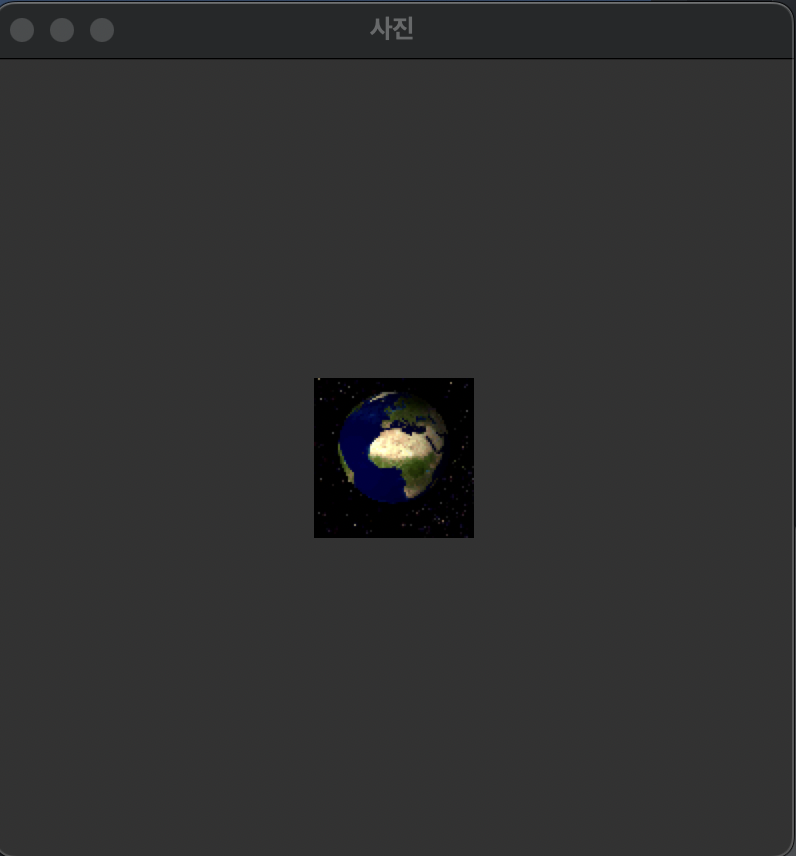
from tkinter import * from tkinter.filedialog import * from tkinter.simpledialog import * def func_open(): global filename filename = askopenfilename(parent=window, filetypes=( ("GIF 파일", "*.gif"), ("모든 파일", "*.*"))) photo = PhotoImage( file="'/Users/goyeonghun/Desktop/All/Hoon/My_blog/assets/img/python/Rotating_earth_(large).gif'") pLabel.configure(image=photo) pLabel.image = photo def func_exit(): window.quit() window.destroy() def func_zoom(): value = askinteger("확대배수", "확대할 배수를 선택하세요(1~10)", minvalue=1, maxvalue=10) photo = PhotoImage(file=filename) photo = photo.zoom(value, value) pLabel.configure(image=photo) pLabel.image = photo def func_subsample(): value = askinteger("축소배수", "축소할 배수를 선택하세요(1~10)", minvalue=1, maxvalue=10) photo = PhotoImage(file=filename) photo = photo.subsample(value, value) pLabel.configure(image=photo) pLabel.image = photo window = Tk() window.geometry("400x400") window.title("사진") photo = PhotoImage() pLabel = Label(window, image=photo) pLabel.pack(expand=1, anchor=CENTER) mainMenu = Menu(window) window.config(menu=mainMenu) fileMenu = Menu(mainMenu) mainMenu.add_cascade(label='파일', menu=fileMenu) fileMenu.add_command(label='파일 열기', command=func_open) fileMenu.add_separator() fileMenu.add_command(label='프로그램 종료', command=func_exit) imageMenu = Menu(mainMenu) mainMenu.add_cascade(label='이미지 효과', menu=imageMenu) imageMenu.add_command(label='확대하기', command=func_zoom) imageMenu.add_separator() imageMenu.add_command(label='축소하기', command=func_subsample) window.mainloop() - 처음 불러왔을 때
- 확대(5)
- 축소(5)
End.